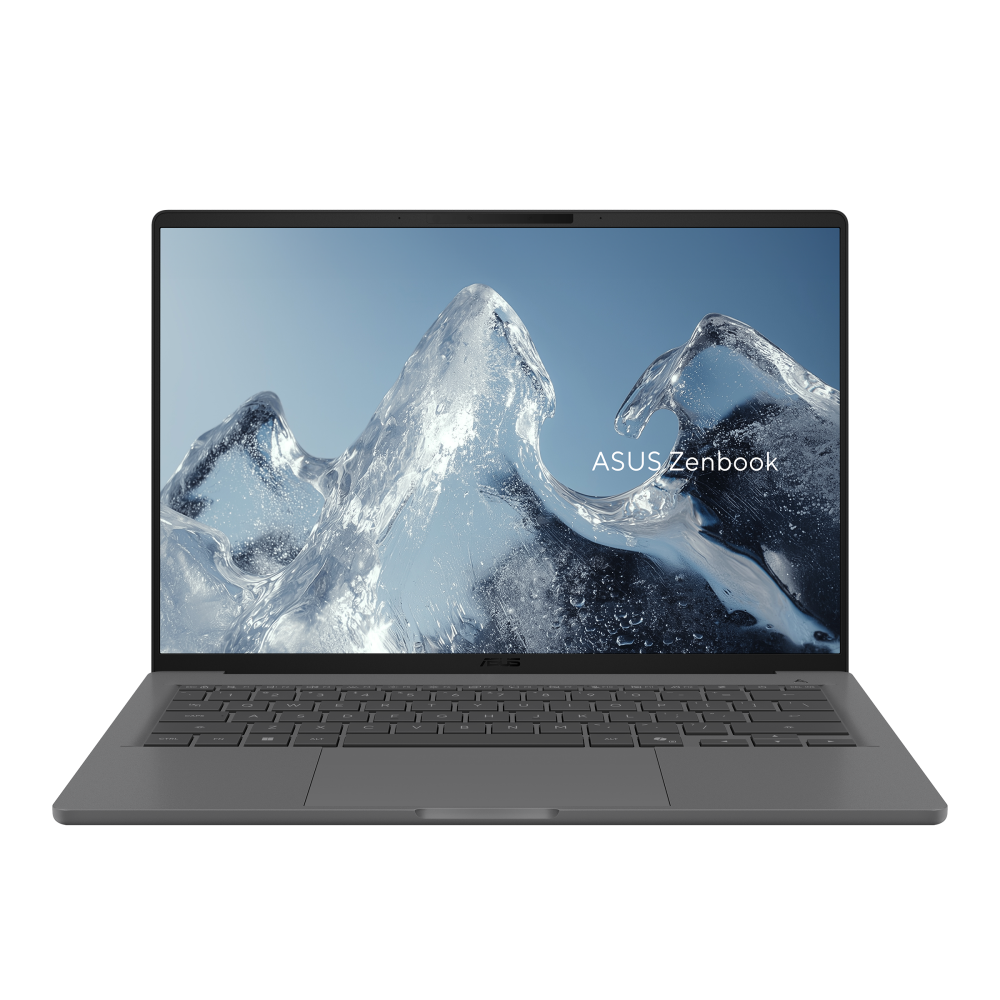
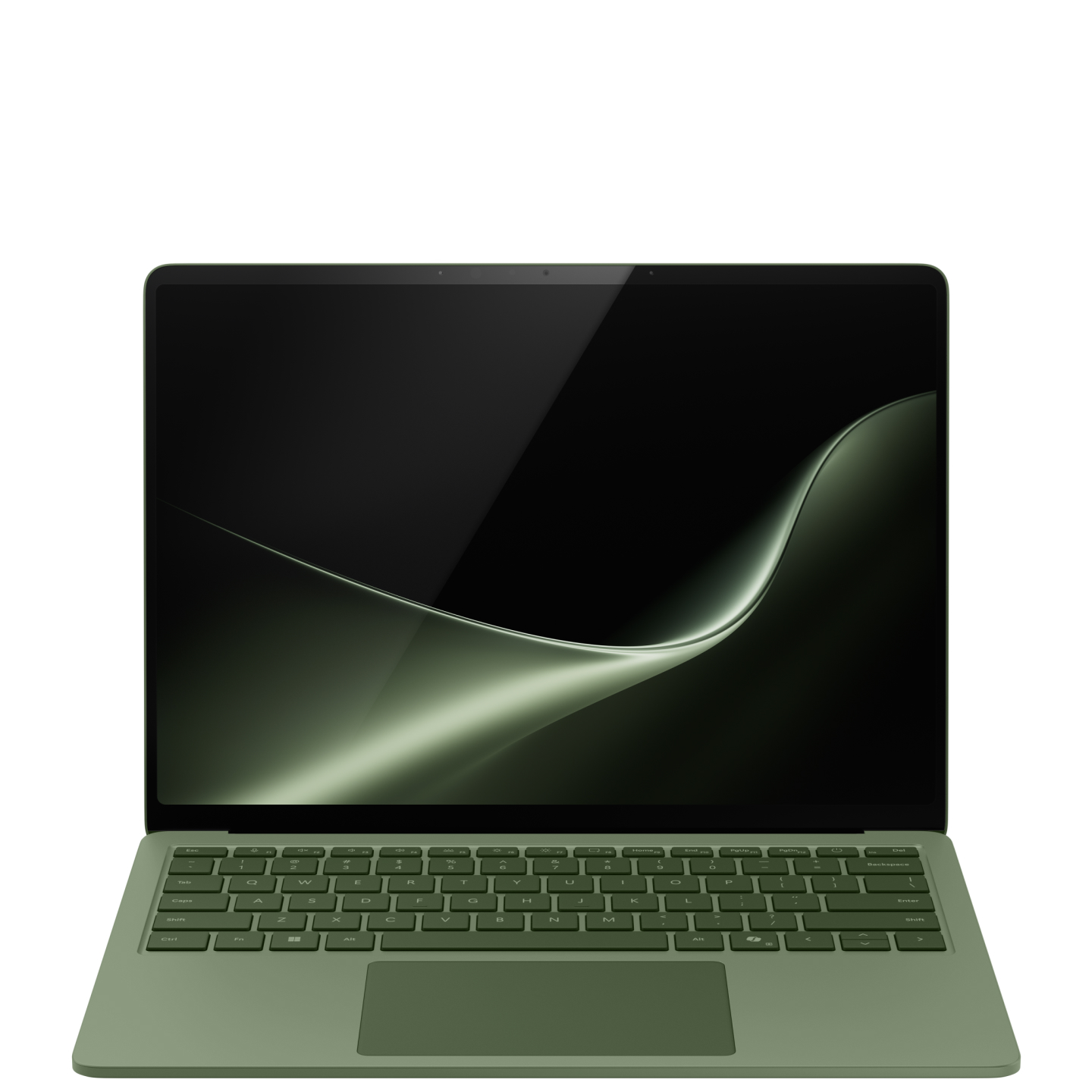
Touch input or lighter travel?
Surface Laptop 13.8-inch (8th Edition) and ASUS Zenbook A14 UX3407NA address mobile Windows work with Snapdragon X2 processors. The most defensible distinction is practical: Surface offers touch input and a dedicated charging connection, while the reviewed A14 variant has lower published mass and built-in HDMI.
This research-based comparison was checked on 4 October 2026. DelaTechHQ has not physically tested either laptop. The scope excludes earlier Surface editions, Intel business variants and older A14 QA/RA models. A similar product name is not enough to carry specifications across configurations.
First, check Windows on Arm
Before comparing displays or processors, list your required applications and peripherals. Both products depend on Windows on Arm compatibility. An application running through emulation does not imply that an old printer driver, VPN component or specialist hardware utility will work.
Microsoft's guidance explains this distinction. If an essential component lacks support, neither laptop is the right answer solely because it is light or recent. Readers with a managed work computer should ask their IT team about the complete software stack before ordering.
Screen and input
Surface's published 13.8-inch, 2304 × 1536 LCD is a touchscreen with 120Hz listed. Its 3:2 shape is relatively tall, which can suit document navigation. ASUS's 14-inch NA configuration family offers non-touch OLED choices, with WUXGA 60Hz and 3K 120Hz listed. Check the exact panel on the quotation.
The OLED/LCD distinction does not establish a winner for color work. Neither color accuracy, reflections nor sustained brightness has been measured here. Touch is a clear functional advantage only if you use it. If most interaction is keyboard and trackpad, portability and connections may matter more.
Carrying weight and desk connections
Microsoft lists 1,342g for the Surface, while ASUS lists 0.99kg for the NA variant. On manufacturer figures, the A14 is the lighter laptop. Compare the full bag, however: power adapter, dock, cables and any presentation adapter can change what you carry.
Both list two USB4 Type-C ports, USB-A and a 3.5mm audio connection. Surface additionally lists Surface Connect; ASUS additionally lists HDMI 2.1 TMDS. For someone presenting on existing HDMI equipment, the ASUS connection can remove an adapter from the routine. The TMDS qualification should be checked against the intended display mode rather than assuming every HDMI 2.1 feature.
Dedicated charging gives Surface another way to preserve USB-C ports during desk work. That may matter when several devices are connected directly. A dock could change the calculation for either laptop, so sketch the actual connection arrangement before purchasing accessories.
Processor and configuration choices
Surface's current table lists X2 Plus 10-core and X2 Elite 12-core options; ASUS lists an 18-core X2 Elite for UX3407NA. We do not turn that count into a percentage advantage. Application optimization, sustained power and workload characteristics need evidence beyond these specifications.
Select memory and storage for the workload, then compare exact local SKUs. ASUS lists on-board memory, so a future memory upgrade should not be assumed. A low-priced listing with a different panel or memory allocation is not interchangeable with the configuration that prompted your interest.
Power and ownership
Microsoft's up-to-20-hour headline and ASUS's 70Wh capacity are different kinds of information. One is a manufacturer runtime claim under specified conditions; the other is stored energy. They cannot be ranked as if they were results from a shared test. We leave battery endurance unscored.
Also check charger inclusion, local warranty arrangements and the ports on any existing dock. Buying a laptop that fits existing equipment can be more valuable than a specification advantage that requires replacing that equipment.
How the comparison reaches its result
The equally weighted CMS rows make the preferences explicit: touch input scores 5 when documented and 3 when absent; carrying mass scores 5 at or below 1kg and 3 above it; direct HDMI scores 5 when listed and 3 when an adapter is needed; dedicated non-USB charging scores 5 when listed and 3 otherwise. Surface and ASUS each lead two rows, giving Workflow dependent. These scores are selection preferences, not performance or build-quality ratings.
Choose Surface for touch-led work and a compatible desk arrangement. Choose the A14 for a lighter carry and direct HDMI. If software compatibility fails, choose a different platform. Read the Surface review, ASUS review, Surface product and ASUS product. Our Mac laptop guide and Laptops archive offer wider context without changing the software-compatibility requirement. Sources: Microsoft and ASUS. No affiliate tracking is added.
Editorial Summary
Workflow dependent: Surface for touch and dedicated charging; A14 for lower published mass and direct HDMI.
Was this assessment helpful to your buying decision?
We aim to make every review clear, evidence-based, and useful. If you have a question or spot something we should improve, you can contact our editors below.